













Integrating New Fleet Devices with Existing Fleet Management Software
Fleets rarely start with a blank technology stack. Dispatch, telematics, maintenance, safety, identity, and reporting systems may already contain the vehicle and driver data that operations teams rely on every day. When new cameras or connected devices are introduced, the goal should be to add useful capabilities without creating duplicate workflows. This guide explains how to plan a secure, maintainable integration between new fleet technology and existing software.
1. Define the business workflow before choosing the interface
Successful Fleet Integration starts by identifying what users need to accomplish across systems. A fleet may want video events attached to safety cases, device health sent to maintenance teams, or vehicle records synchronized automatically. If the project originated from Fleet Bulk Orders, the integration scope should be agreed before large quantities of hardware are installed so every vehicle follows the same data model.
Workflow mapping: document who creates, consumes, and acts on each data type.
System of record: decide which application owns vehicle, driver, device, and user identities.
Success criteria: define what an integrated workflow should look like for operations and IT.
2. Choose the simplest reliable connection method
Software Integration may use APIs, webhooks, scheduled files, middleware, or built-in connectors. The right approach depends on update frequency, data volume, security, and the capabilities of both systems. A Unified Management Platform should expose clear interfaces for device status, events, media references, configuration, or fleet metadata when those functions need to participate in external workflows.
APIs: useful for on-demand reads, updates, and controlled application-to-application requests.
Webhooks: useful for near-real-time notifications when events or device states change.
Scheduled exchange: useful when batch synchronization is sufficient and simplicity is preferred.
3. Standardize identifiers and permissions
Integration problems often come from inconsistent vehicle IDs, driver IDs, depot names, or device assignments rather than the interface itself. Strong Device Management should maintain clean mappings between hardware and fleet assets. During a Large‑scale Deployment, those mappings should be loaded and validated in bulk so downstream systems receive consistent records from the beginning.
Identifiers: use durable keys that do not change when a display name or route changes.
Permissions: map users and roles according to least-privilege access principles.
Auditability: log administrative changes and integration activity for troubleshooting.
4. Test integration alongside installation
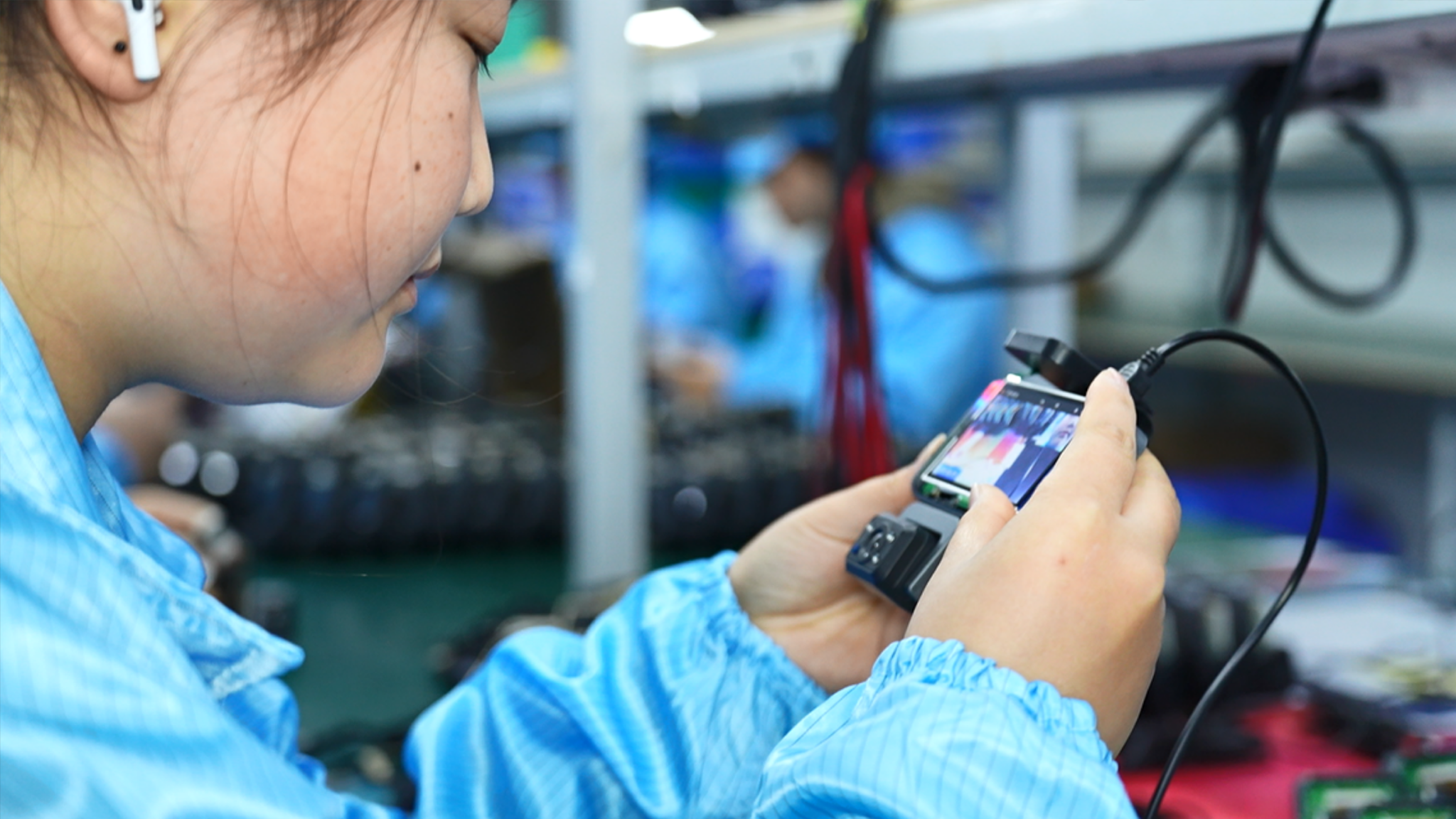
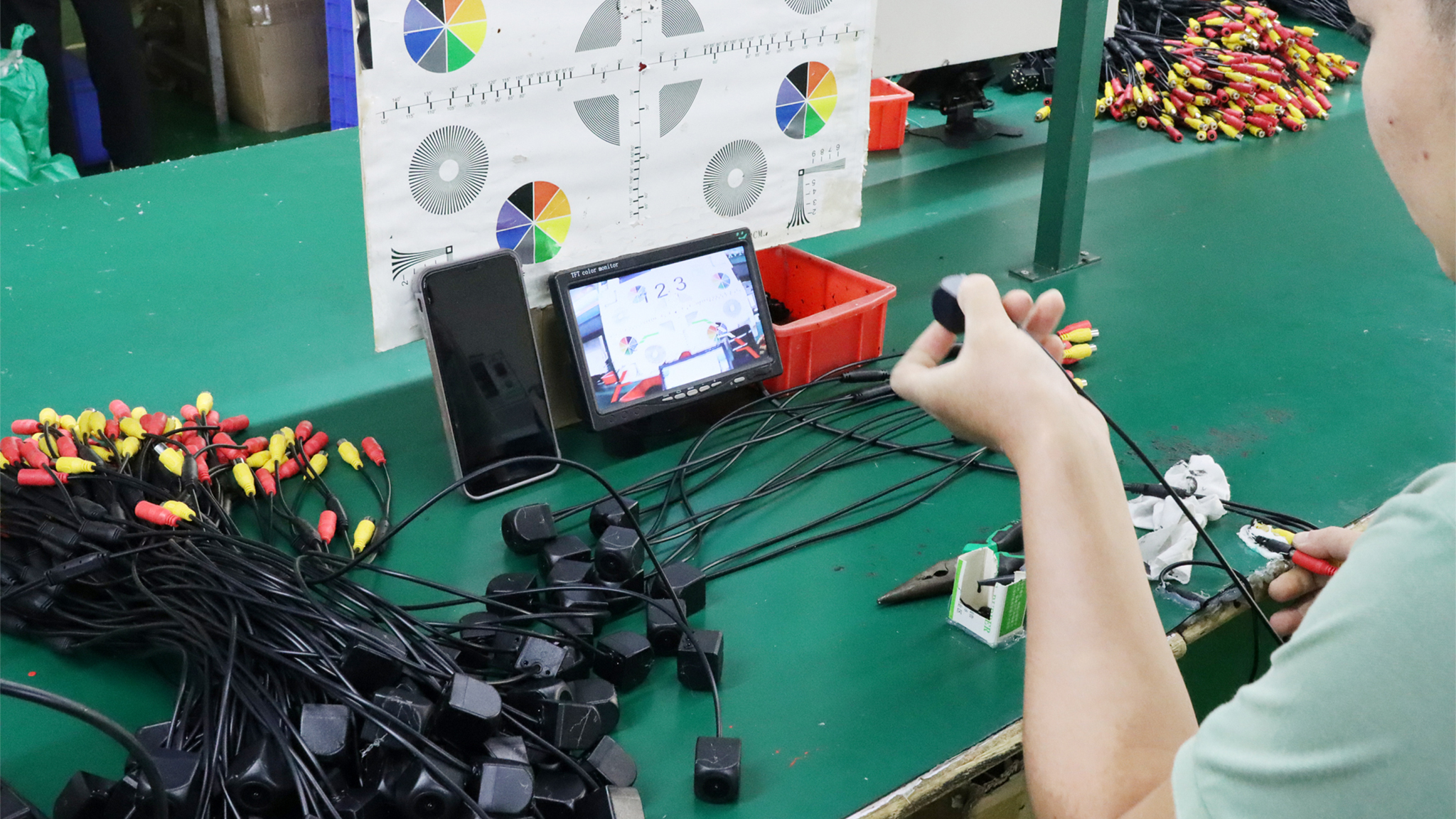
Integration readiness should be part of the rollout plan, not a task deferred until all hardware is active. During On-site Installation, pilot vehicles can be used to validate data mapping, timestamps, event delivery, and user access. If the supplier provides Special Pricing as part of an enterprise package, buyers should clarify whether integration assistance, testing environments, technical documentation, or engineering support are included or priced separately.
Pilot data: test realistic events and edge cases before production scale.
Error handling: define retry behavior, duplicate handling, missing IDs, and failed authentication.
Monitoring: create alerts for broken connections, delayed events, and synchronization failures.
5. Design for long-term ownership and expansion
A durable Fleet Solution needs documented ownership after launch. IT should know who manages credentials, version changes, and security reviews, while operations should know where to report missing data or workflow problems. For Bulk Installation, integration acceptance should be verified by deployment wave so problems are contained before the next group of vehicles is activated.
Change management: test API or platform changes before production release.
Support model: document escalation paths across the fleet, supplier, installer, and software vendors.
Future scale: keep mappings, interfaces, and account structures reusable for new vehicles, sites, and device types.
Integration takeaway
The best integration preserves the fleet's established operating model while making new device data available where it creates value. Clear workflows, stable identifiers, secure interfaces, pilot testing, monitoring, and defined ownership create a connection that can grow with the fleet instead of becoming a fragile one-off project.【detailed】