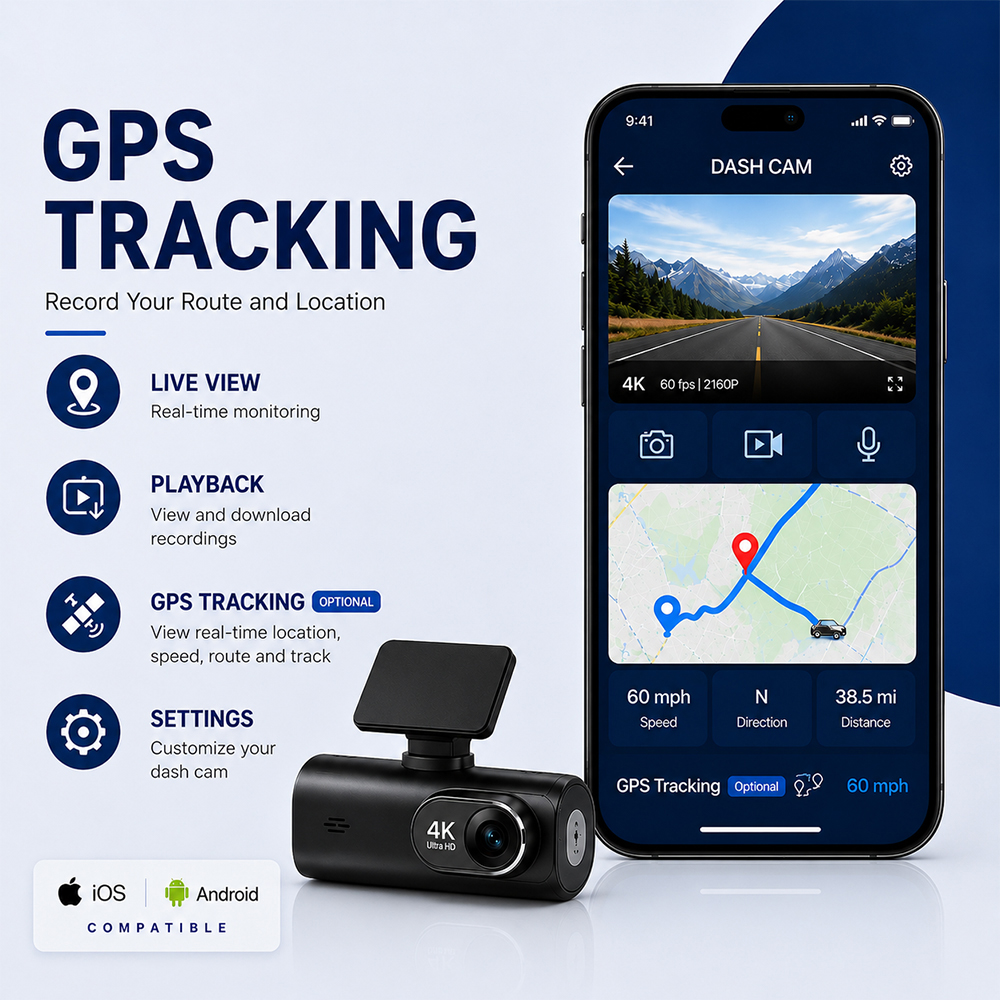
4K Dash CamProcurement Guide for 20-50 Unit Fleets: Pitfalls to Avoid
If you’re a fleet manager sourcing devices for a 20-50 vehicle team, picking the right4K dash camis more than a tech purchase—it’s an investment in safety, compliance, and cost savings.
Many first-time buyers fall for low prices or flashy specs that don’t hold up in real fleet use. This guide breaks down the most common mistakes and simple fixes for beginners.
Whether you’re working with a4K dash camwholesale distributoror evaluating direct options, these tips will help you buy with confidence.
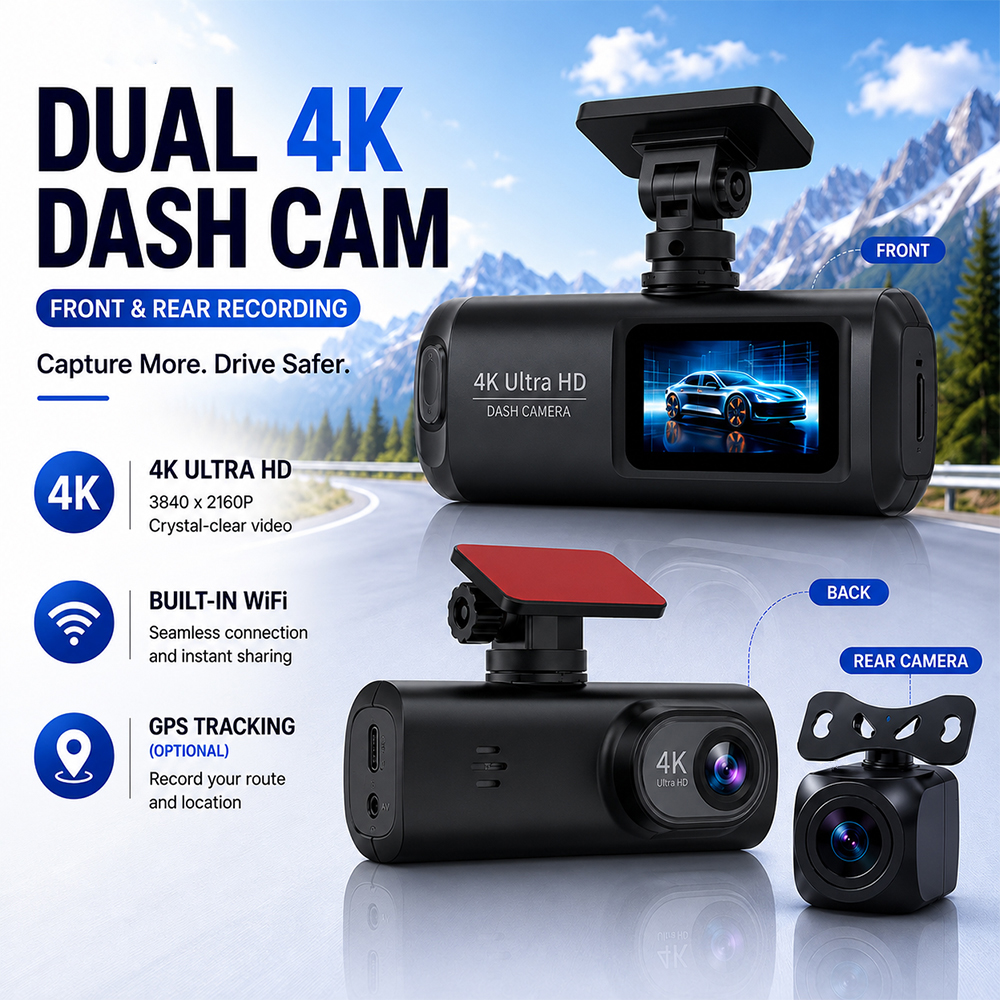
1. Prioritize Fleet-Friendly Hardware Features
A4K car camerathat works great for personal cars may fail in a busy fleet. You need durable, easy-to-manage devices built for daily commercial use.
1.1 Installation & Mount Durability
Frequent vehicle use means mounts take a beating. Flimsy adhesive mounts fall off in extreme heat, costing you downtime and replacement fees.
Look for a 4K dash camwith magnetic mount for quick, tool-free swaps between vehicles. Magnetic designs also reduce windshield damage from repeated removal.
Key durability checks for bulk orders:
Test 1-2 sample units in your hottest/coldest vehicles for 2 weeks
Confirm mount replacement parts are available at bulk discount rates
Choose models with anti-vibration brackets for delivery or construction fleets
Cheap4K dashboard cameramodels use standard SD cards that corrupt or wear out fast with constant recording. For fleets, lost footage means lost proof in accidents.
A 4K dash camwith eMMC storage uses built-in, industrial-grade memory that lasts 5-10x longer than consumer SD cards. It also reduces theft of removable storage.
Other storage must-haves:
Loop recording with auto-overwrite of unimportant clips
Shock sensor that locks critical footage from being overwritten
Cloud backup option for high-priority incidents
2. Don’t Skip Safety & Convenience Features
Basicdash cam 4Krecording is table stakes. The right features cut driver distraction and reduce accident risk across your entire fleet.
A 4K dash camwith speed camera alert warns drivers of upcoming red-light cameras and speed traps, reducing costly traffic tickets for your business.
Pair that with a 4K dash camwith ADAS for lane departure warnings and forward collision alerts. Fleets using ADAS features see 15-20% fewer minor accidents, per industry data.
Top safety features for fleet use:
Speed camera database with free regular updates
Audible alerts that don’t require looking at the screen
Fatigue warning for long-haul or delivery routes
2.2 Hands-Free Operation
Distracted driving is a top fleet risk. Drivers fumbling with dash cam buttons can cause preventable collisions.
A 4K dash camwith voice control lets drivers start/stop recording, take photos, or lock footage with simple voice commands—no touching required.
For even more flexibility, a wireless4K dash cam syncs footage to your office system without manual cable transfers.
Quick voice control test tip:
Try commands in loud cab environments (engine noise, radio) before bulk buying
Confirm voice commands work for drivers with different accents
3. Verify Low-Light & Parking Performance
Most fleet accidents and incidents happen at dawn, dusk, or in parking lots. Your4K car cameraneeds to perform well outside of bright daylight.
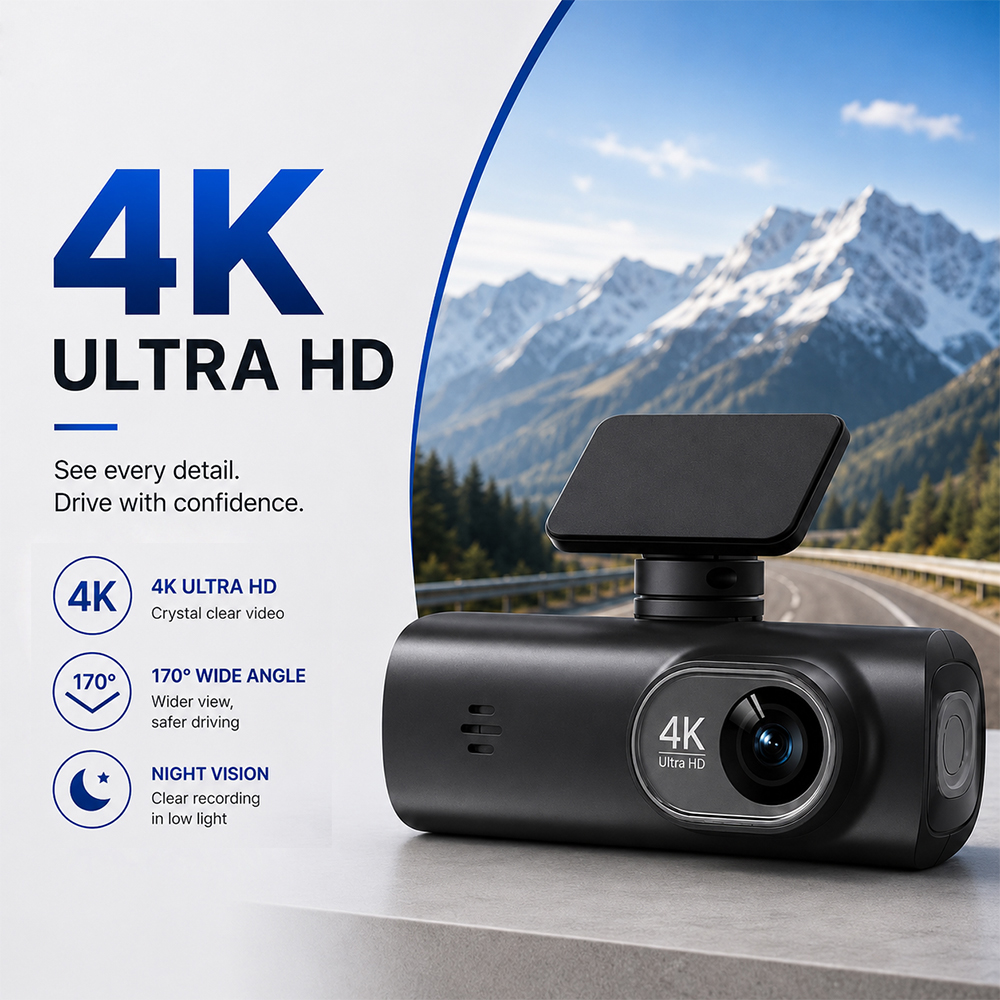
Blurry night footage is useless for identifying license plates or fault in accidents. A 4K dash camwith night vision uses large sensors and infrared tech for clear footage in dark conditions.
For even better clarity in mixed light (like streetlights + shadows), choose a 4K dash camwith HDR. HDR balances bright and dark areas so you don’t miss details.
Night quality test checklist:
Review sample footage from poorly lit parking lots
Check if license plates are readable from 30 feet away at night
Avoid models with grainy or overexposed night video
3.2 Parking Mode Protection
Parked fleet vehicles are vulnerable to hit-and-runs, theft, and vandalism. A parking mode4K dash cam records motion or impact even when the engine is off.
For 20-50 unit fleets, look for parking mode with low power draw—you don’t want dead batteries every Monday morning.
Parking mode features to compare:
Hardwire kit option for constant, low-voltage power
Motion detection that only records when something moves nearby
Time-lapse mode for long-term parking surveillance
Even the best product fails if you buy from an unreliable seller. For fleet orders, supplier support matters as much as the device itself.
4.1 Vet Supplier Credentials
Don’t buy from random online marketplaces for 20+ unit orders. Work with an established 4K dash camwholesaler that specializes in commercial fleet clients.
A reputable 4K dash camimporter will have proper certifications (FCC, CE, RoHS) and real warehouse stock—no drop-shipping delays.
Supplier vetting steps for beginners:
Ask for 2-3 fleet client references with similar team sizes
Confirm warranty terms (minimum 1 year, ideally 2 for bulk orders)
Check if they offer bulk demo units at a discounted rate
4.2 Calculate Total Cost of Ownership
The cheapest unit price rarely equals the best long-term value. Hidden costs add up fast for 20-50 vehicle fleets.
For example, a $50 cheaper unit that requires $30 in annual SD card replacements per vehicle will cost more over 3 years.
Total cost factors to add up:
Upfront device + mount + hardwire kit cost
Annual software or cloud subscription fees
Replacement and repair costs under warranty
By avoiding these common pitfalls, you’ll choose a4K dash camsetup that protects your fleet, stays within budget, and lasts for years.